HRM Watches
HA-903
- Touch screen
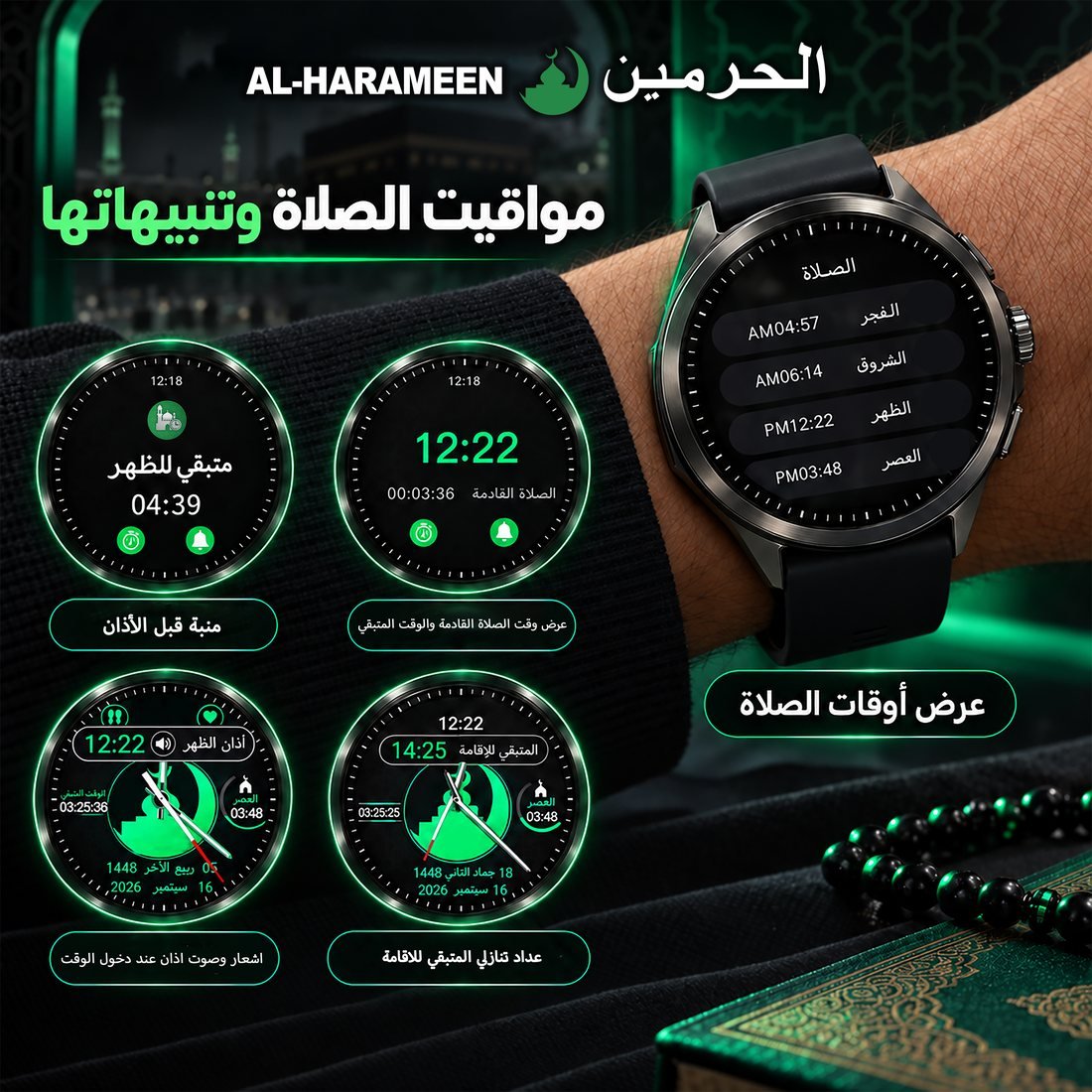
- Prayer times and azan alerts
- Iqama countdown
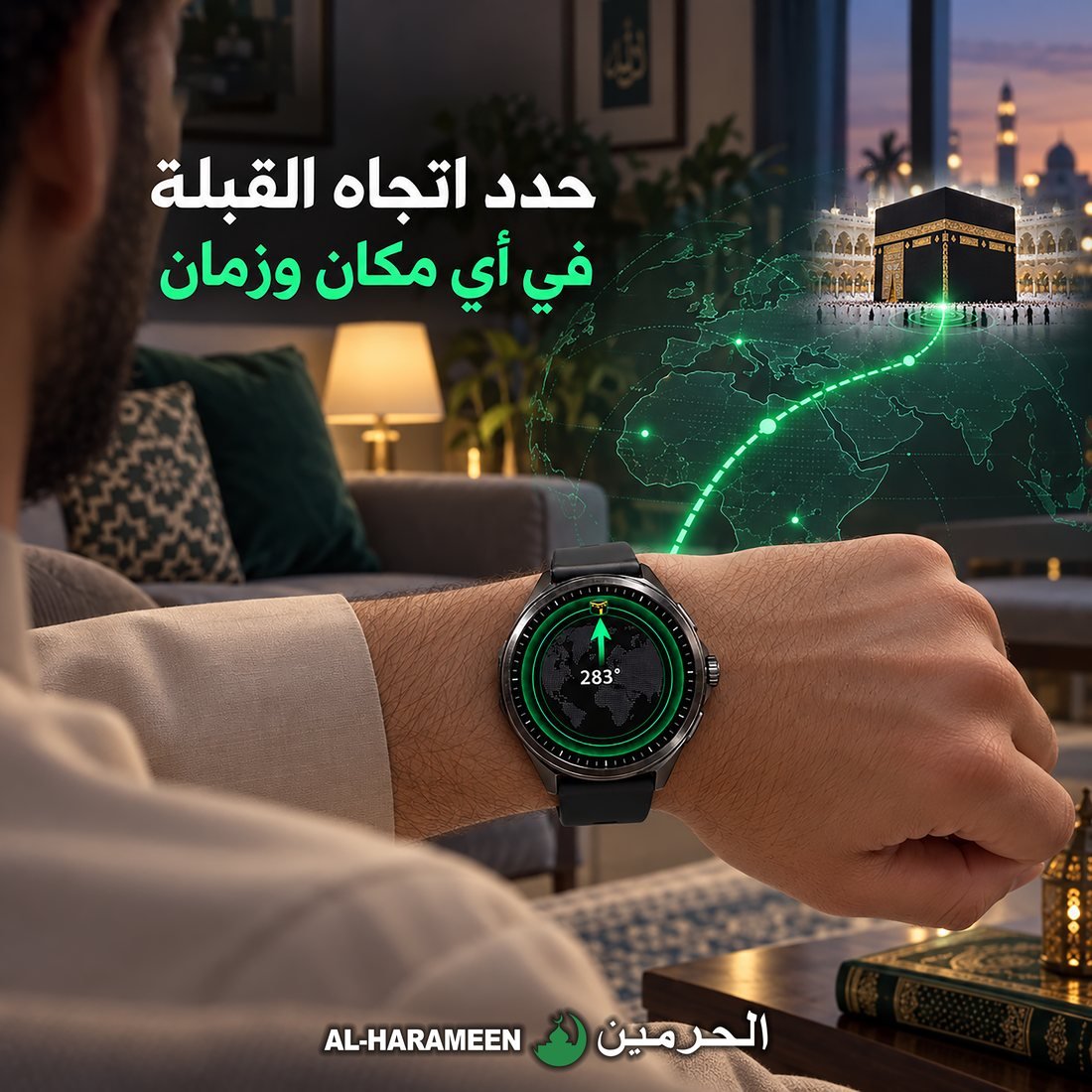
- Qibla direction
- Learn the prayer
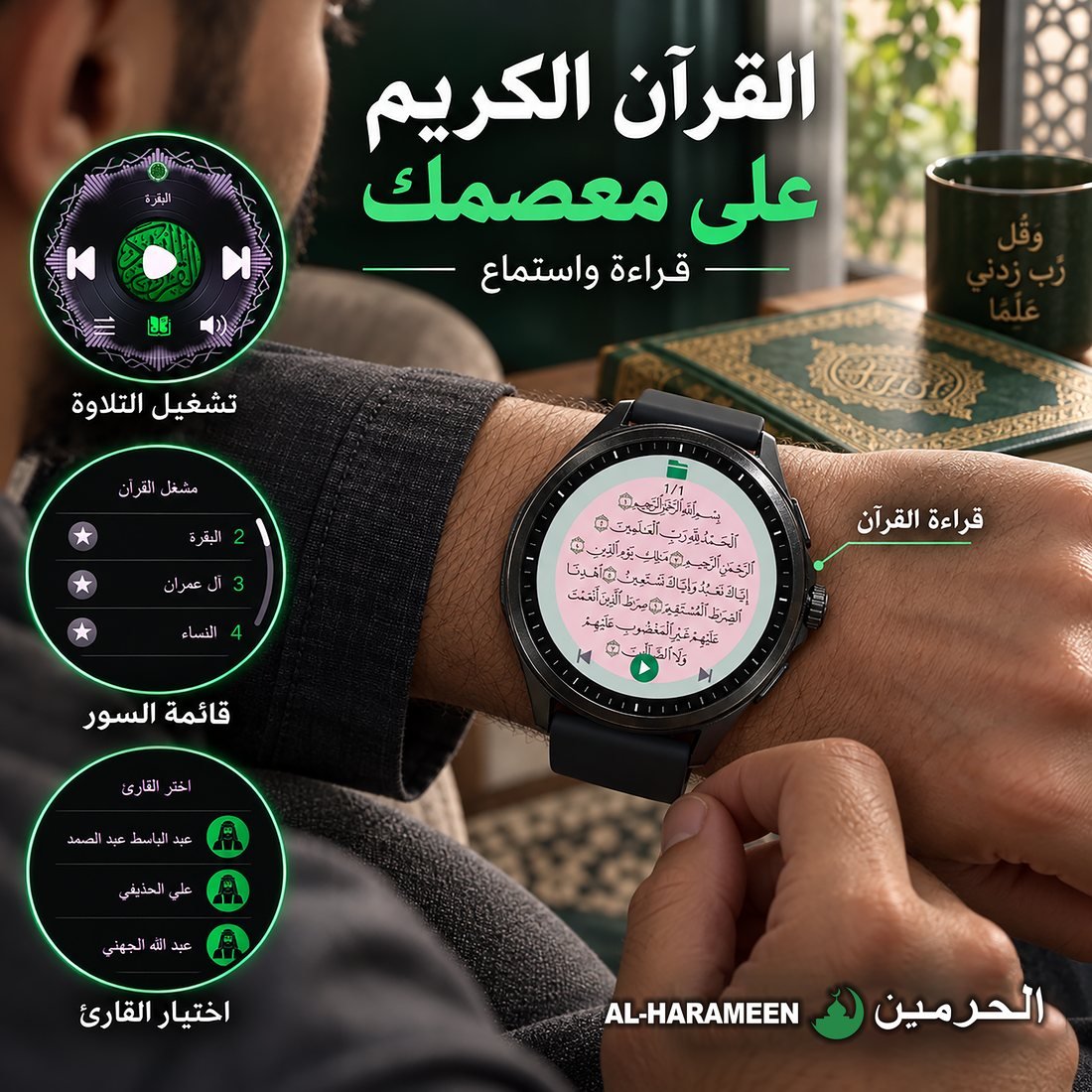
- The Holy Quran on your wrist: recitation and reading
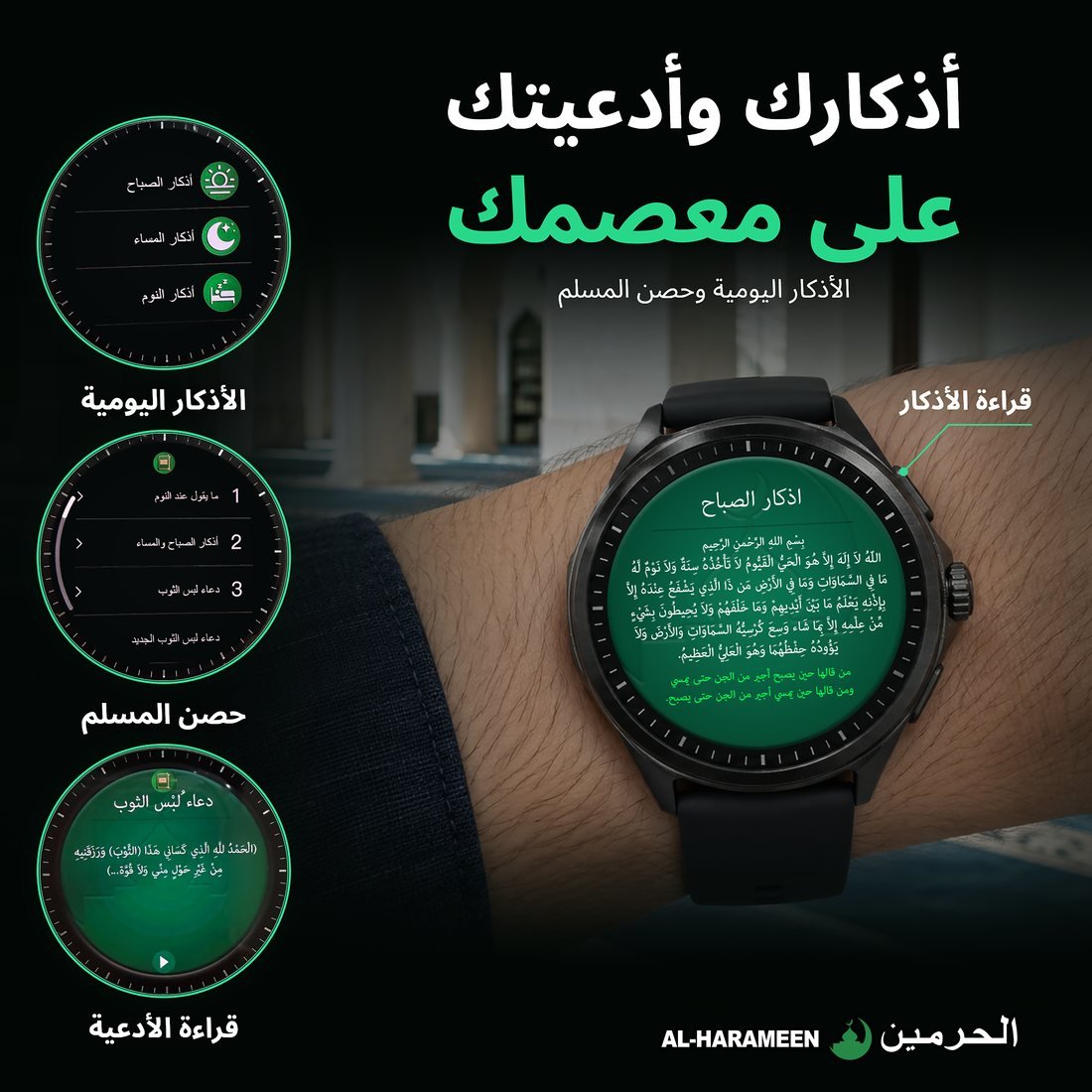
- Adhkar and tasbih
- Hisn al-Muslim and duas
- The 99 Names of Allah
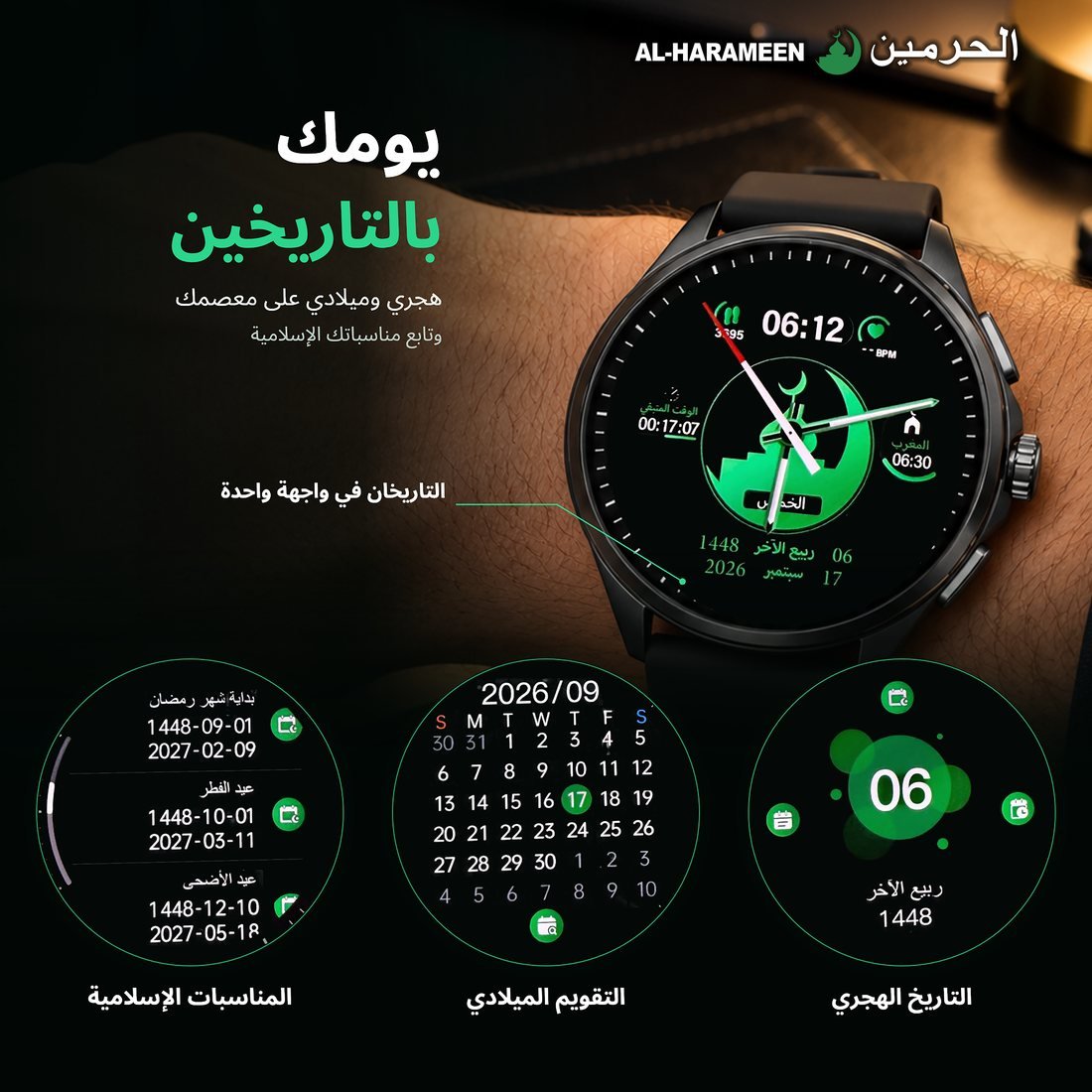
- Hijri and Gregorian dates
- Islamic occasions
- Calls from your watch
- Notifications and messages
- Contacts
- Alarm
- Find your phone and your watch
- Camera remote
- Music
- World clock
- Weather on your watch
- Health and sports tracking
- Heart Rate
- Blood Oxygen (SpO2)
- Breathing exercise
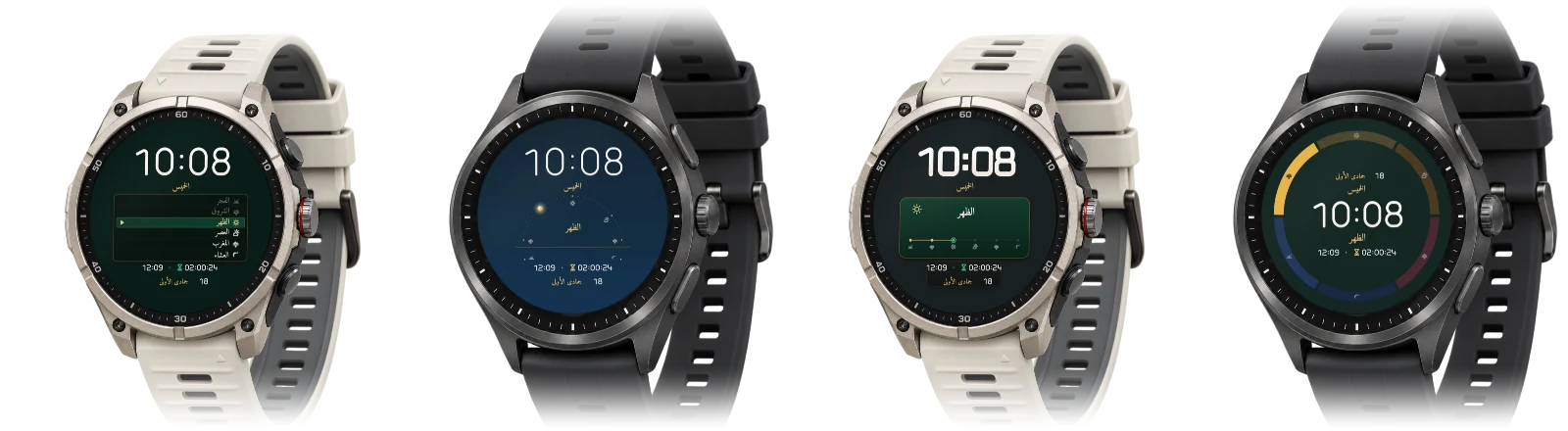
- AL-HARAMEEN watch faces
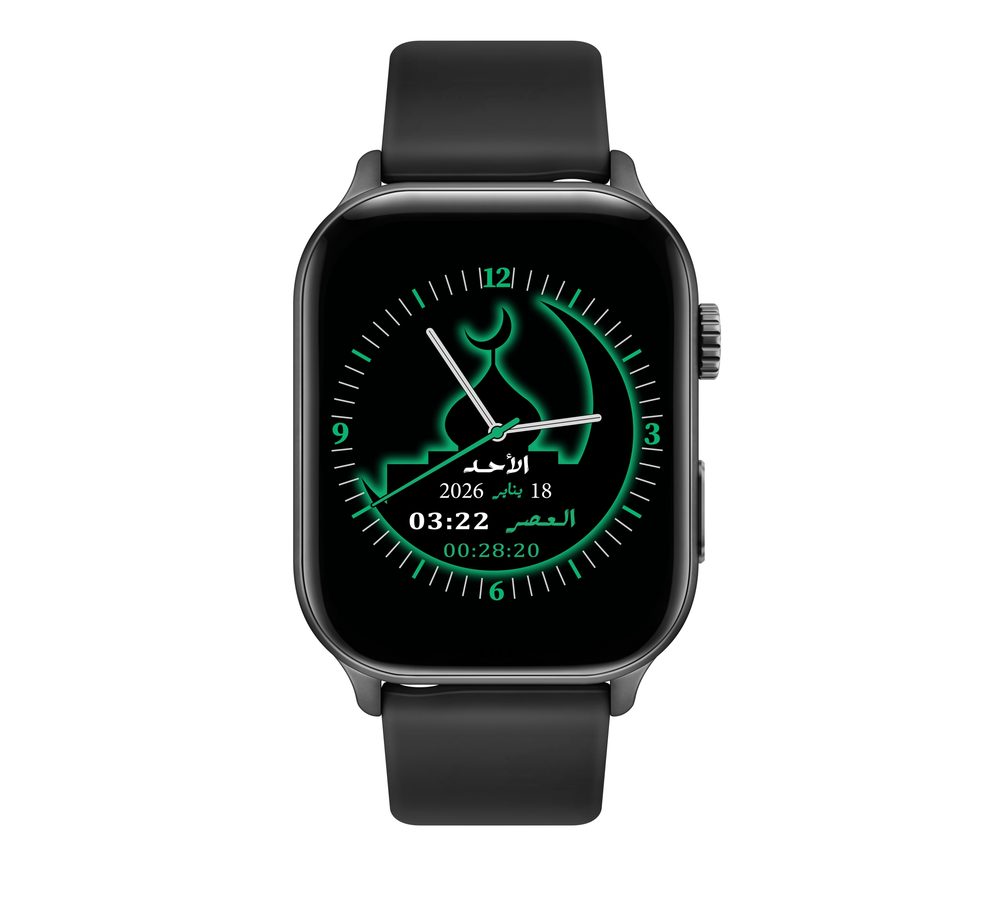
- Prayer faces
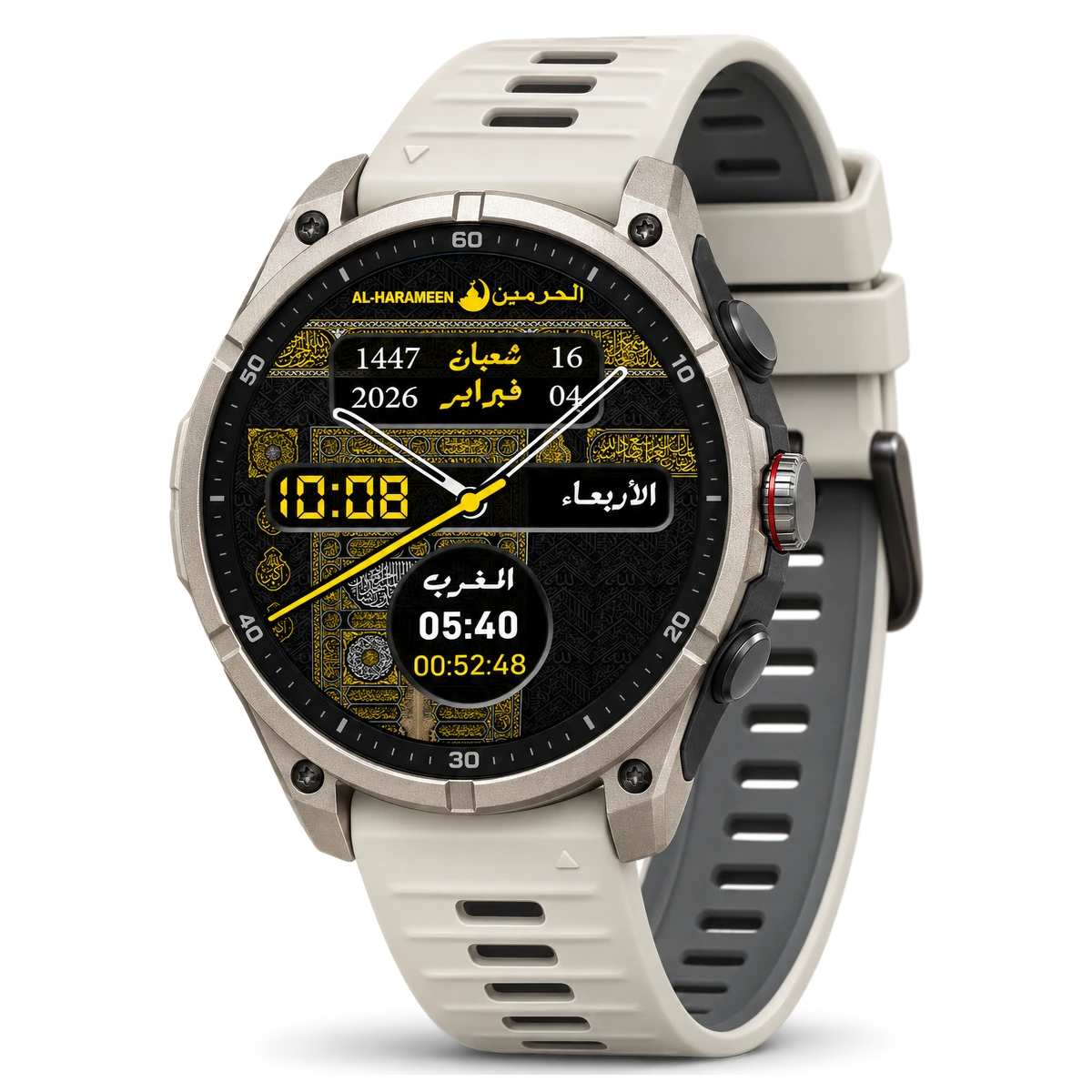
- New premium faces
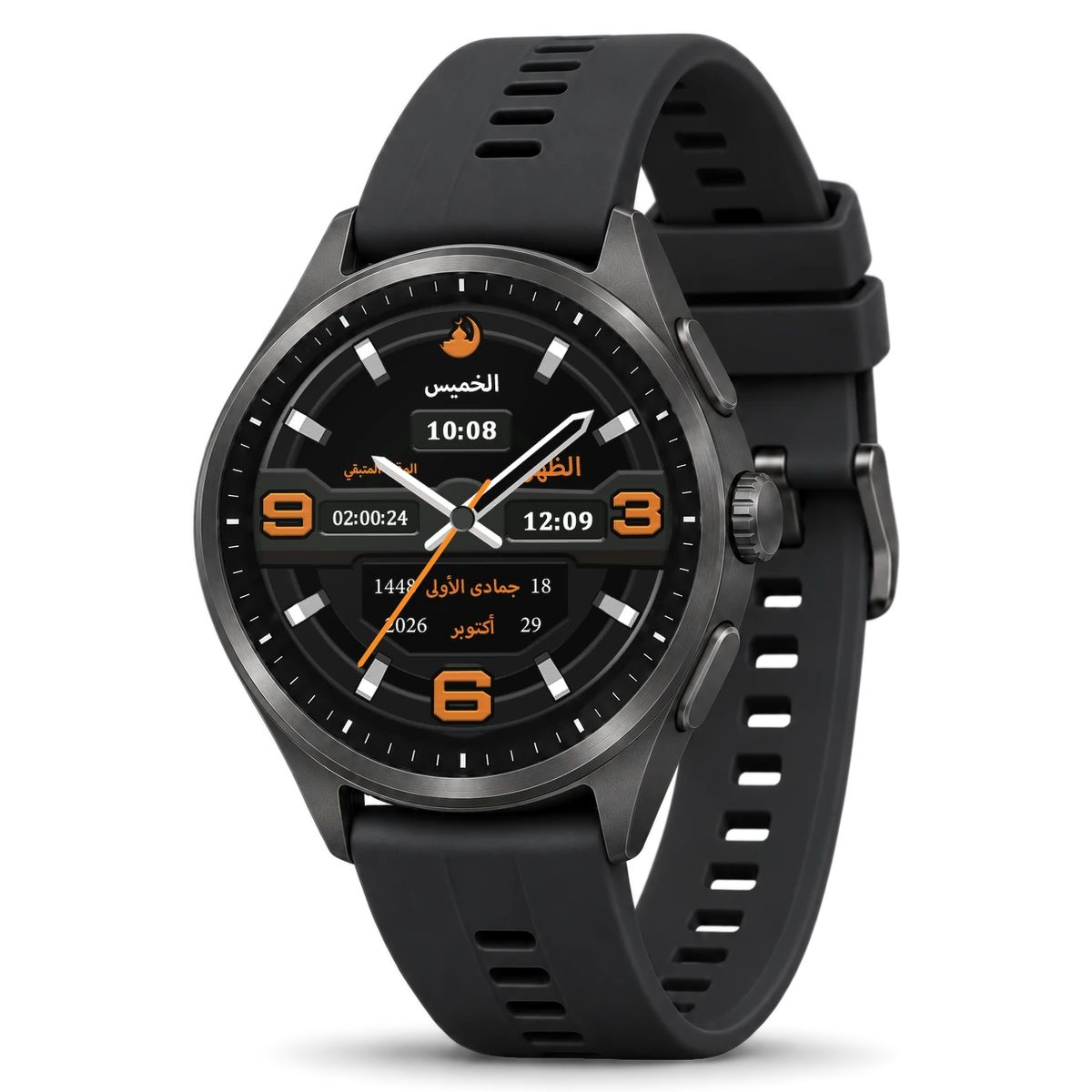
- The classic faces, redrawn
- Your photo as a watch face
- Software updates
🛒 This model is not in our online store at the moment — Ask about this model's availability:
Or search for it on the marketplaces:
Specifications
| Brand | AL-HARAMEEN |
|---|---|
| Type | Smart watch |
| Model number | HA-903 |
| Display type | Touchscreen |
| Screen shape | Round |
| Audio | Built-in speaker and microphone |
| Finish in the official picture | Dark case with a smooth bezel, black strap |
| Companion app | AL-HARAMEEN app (Android and iPhone) |
| Connection to the phone | Bluetooth |
Product details
The AL-HARAMEEN HA-903 smart watch: a round touch screen in a dark case, with prayer times and azan alerts, the qibla, the Holy Quran, adhkar and tasbih on your wrist — and calls, notifications, health tracking and AL-HARAMEEN watch faces, with the AL-HARAMEEN app.
AL-HARAMEEN watch faces

The AL-HARAMEEN app
The HA-901, HA-902 and HA-903 work with the AL-HARAMEEN app on Android and iPhone. The download page shows the right button for your phone.
Pair your watch
- Install the AL-HARAMEEN app from the download page and turn on Bluetooth on your phone.
- In the app open the “Device” tab and tap “Add device”: the search for your watch starts by itself.
- Tap your watch in the “Watches nearby” list and keep it close. Accept the pairing request if the phone or the watch asks for it.
- When “Connected” appears, choose in “Set up your watch” what your watch should do, then tap “Done”.
A watch is added from “Add device” by Bluetooth search only, not by scanning a code on the watch.
HA-903 features in pictures